

Quick answer
To find a U.S. company’s Legal Entity Identifier (LEI), start with its exact registered legal name and run an LEI search. Open the closest matching record and confirm the legal name, jurisdiction, address, registration details, LEI Registration Status, Next Renewal Date and issuer. If the record is Lapsed, use the existing LEI and review the renewal path instead of creating a second LEI.
How to Run an LEI Search by Name in the USA
An LEI search by name is usually the easiest way to find an existing identifier when you do not know the 20-character code. For U.S. entities, the important part is not only finding a similar company name. You also need to confirm that the result belongs to the correct legal entity.
You can search for an LEI using GLEIF’s Global LEI Index, an LEI issuing organization (LOU), or the TNV LEI Lookup. You can search by company name if you do not know the LEI number, or search by the 20-character LEI number if you already have it.
1. Start with the registered legal name: Use the entity name shown in the company’s official state or business record. A brand name, website name or DBA can be different from the formal legal entity name. If a search is weak, try the formal entity name before assuming no LEI exists.
2. Run an LEI search by company name: Enter the registered legal name and review the matching results carefully. If available, use the United States country filter to narrow the results and reduce unrelated matches.
3. Compare the U.S. entity details: If several names look similar, compare the legal jurisdiction, state, legal address, entity type and registration authority or registration number. These details help you avoid choosing the wrong company.
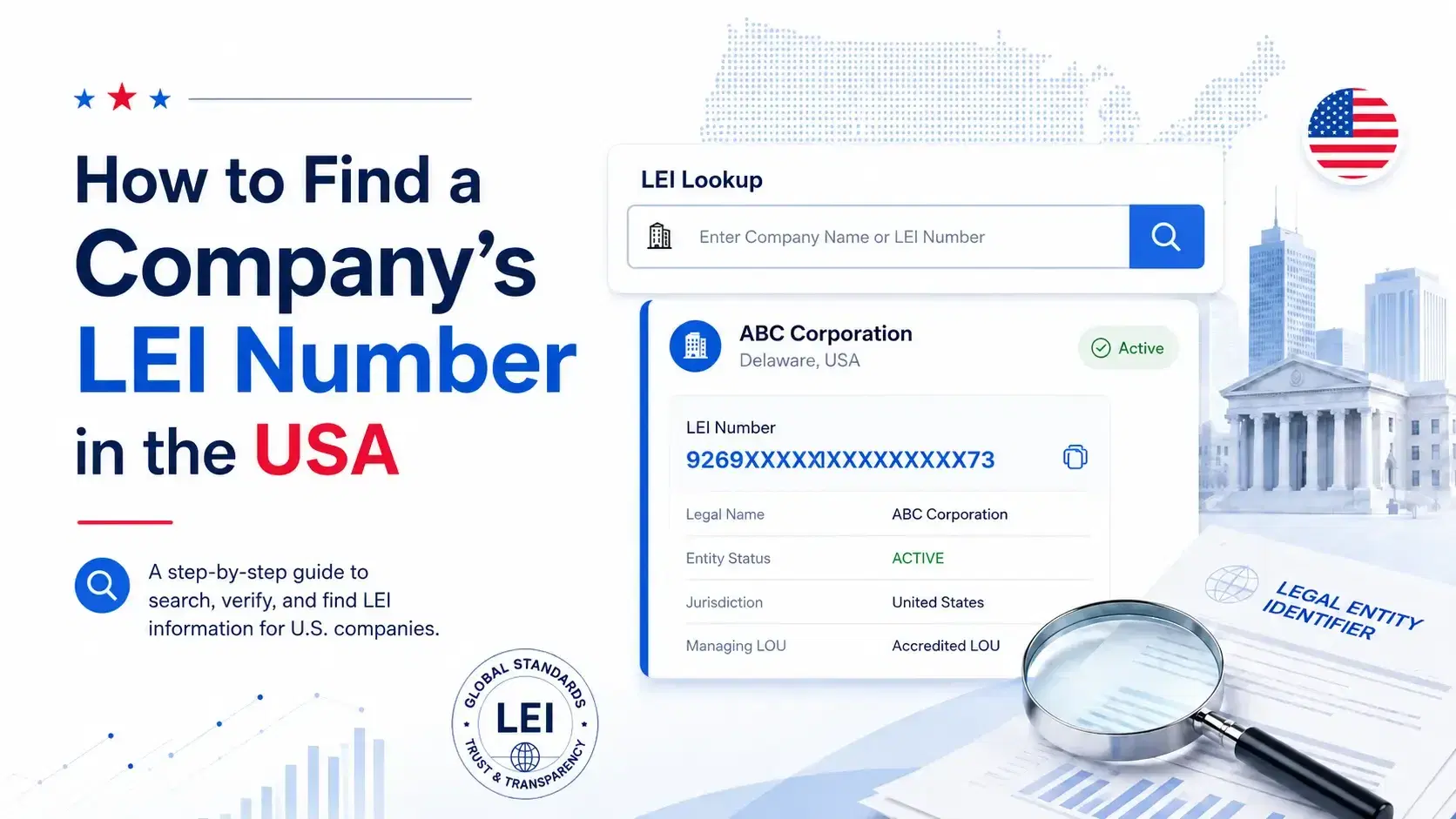
4. Open the complete record: A useful LEI number search should show more than the code. Confirm the legal name and reference data before using the LEI in onboarding, reporting, due diligence or internal records.
5. Check LEI status and renewal information: Review the LEI Registration Status, Next Renewal Date and Managing LOU. The Managing LOU is the LEI issuer responsible for administering that record.
What Should You Check in an LEI Record?
A strong LEI lookup should help you verify the entity, not just display a code. Check these fields before you rely on the result:
| Field | Why it matters |
|---|---|
| Legal Name | Confirms that the record belongs to the intended legal entity. |
| Legal Jurisdiction | Helps distinguish companies registered in different states or jurisdictions. |
| Legal Address | Provides another identity match for similarly named entities. |
| Registration Authority / ID | Connects the LEI record with official business-registration information where available. |
| Entity Status | Shows whether the legal entity was reported as ACTIVE, INACTIVE or not applicable. |
| LEI Registration Status | Shows the status of the LEI record, such as ISSUED or LAPSED. |
| Next Renewal Date | Shows when LEI reference data is next due for renewal. |
| Managing LOU | Identifies the LEI issuer administering the record. |
A company can be legally active while its LEI record is lapsed. GLEIF keeps Entity Status and LEI Registration Status as separate fields, so they should not be treated as the same thing.
What if Several U.S. Companies Have Similar Names?
Do not select the first result only because the name looks familiar. U.S. businesses can use DBAs or trade names that differ from their entity names, and entity registration is commonly handled at the state level. A corporate group can also contain a parent company, subsidiaries, funds or SPVs with similar names. Match the legal jurisdiction, address and registration information before relying on the LEI.
How to Check Whether a Company Already Has an LEI
To check whether a company already has an LEI, begin with an LEI search by name and then narrow the result using U.S. jurisdiction and company details. For some SEC filers, EDGAR can be a useful second source because certain company pages display an LEI alongside the CIK and other filer information. EDGAR is a cross-check, not a replacement for the global LEI data source.
What if No LEI Appears in the Search?
A no-result screen does not automatically mean you should register a new LEI. First confirm that you searched the exact legal name, not only a DBA, former name, brand or parent-company name. Check spelling, state or jurisdiction, and whether the entity you need is a subsidiary, fund or SPV. If no matching record appears after those checks, confirm that the entity actually needs an LEI for the relevant transaction, reporting requirement, bank or counterparty request before starting a new application.
- Use the exact registered legal name.
- Try the company name without a DBA or brand name.
- Confirm the U.S. state or legal jurisdiction.
- Check whether the entity is a subsidiary, fund, SPV or related company.
- Make sure you are not looking at a former or merged entity name.
What if the LEI Is Lapsed?
If your LEI number lookup shows LAPSED, do not create a new identifier just because renewal was missed. LAPSED means the LEI registration was not renewed by its Next Renewal Date and the entity is not known from public sources to have ceased operating. Use the existing LEI and follow the correct renewal or transfer process.
| Search result | Practical next step |
|---|---|
| ISSUED | Verify the entity details and Next Renewal Date. |
| LAPSED | Renew or reactivate the existing LEI; do not create a second LEI just because renewal was missed. |
| PENDING_TRANSFER | Continue or monitor the existing provider-transfer process. |
| DUPLICATE | Use the surviving LEI record rather than the duplicate record. |
| RETIRED | Review the entity lifecycle information before using the LEI. |
| No matching record | Confirm the entity and the need for an LEI before starting a new registration. |
Does an LEI Lookup Show Who Owns the Company?
An LEI lookup can include parent relationship information, but it is not a complete beneficial-ownership database. GLEIF Level 2 data is based on reported direct accounting-consolidating and ultimate accounting-consolidating parent relationships, with defined reporting exceptions. Use it as structured relationship data, not as a complete map of every shareholder or beneficial owner.
Why Verify the LEI Instead of Copying the Number?
A quick LEI check should answer three questions: Does the legal entity already have an LEI? Did you find the correct legal entity? Is the LEI record in the status you expect for the intended use? That is more useful than copying a 20-character code without checking the record behind it.
Can I Search LEI Records for Free?
Yes. GLEIF's Global LEI Search can be searched free of charge and without registration, and TNV LEI also provides an LEI lookup path for company searches. If you already have the code, an LEI code lookup or LEI checker can be used to verify the record instead of searching only by name. You can also search LEI records by the information available to you and then confirm the matching entity details.
Search Before You Register
Before starting a new application, run an LEI check first. The search may show that the entity already has an LEI, that the existing LEI needs renewal, or that another action is required. If no matching record is found, confirm the need for a new LEI before proceeding with registration.
GLEIF lists LEI International Pvt Ltd (TNV-LEI) as an LEI issuing organization.